

The Ministry of Digital Economy and Society’s TH-AI Passport officially launched on August 31. As I noted in this article in June, this scheme, which aims to provide free access to “professional AI tools” to 5 million Thais, has been mired in controversy. Questions ranging from its price tag (1.6 billion baht) to whether the tools offered are truly different enough to free tools available. The scheme has also struggled to catch on, with the number of people registered to use the TH-AI passport sitting late last week at less than 1.5 million people. On the first day of usage, there were only around 110,000 active users.
As the AI Passport is available only to Thai citizens, I thought that it may be useful to do walkthrough here of what features are available for the benefit of anyone interested in Thai AI policy but do not have direct access to the website. I have not spent a lot of time on testing out the features — unfortunately it’s a really busy stretch for me right now! — so this is more of a cursory glance than a rigorous test of all of its capabilities. I do hope that you find it useful.
The Interface
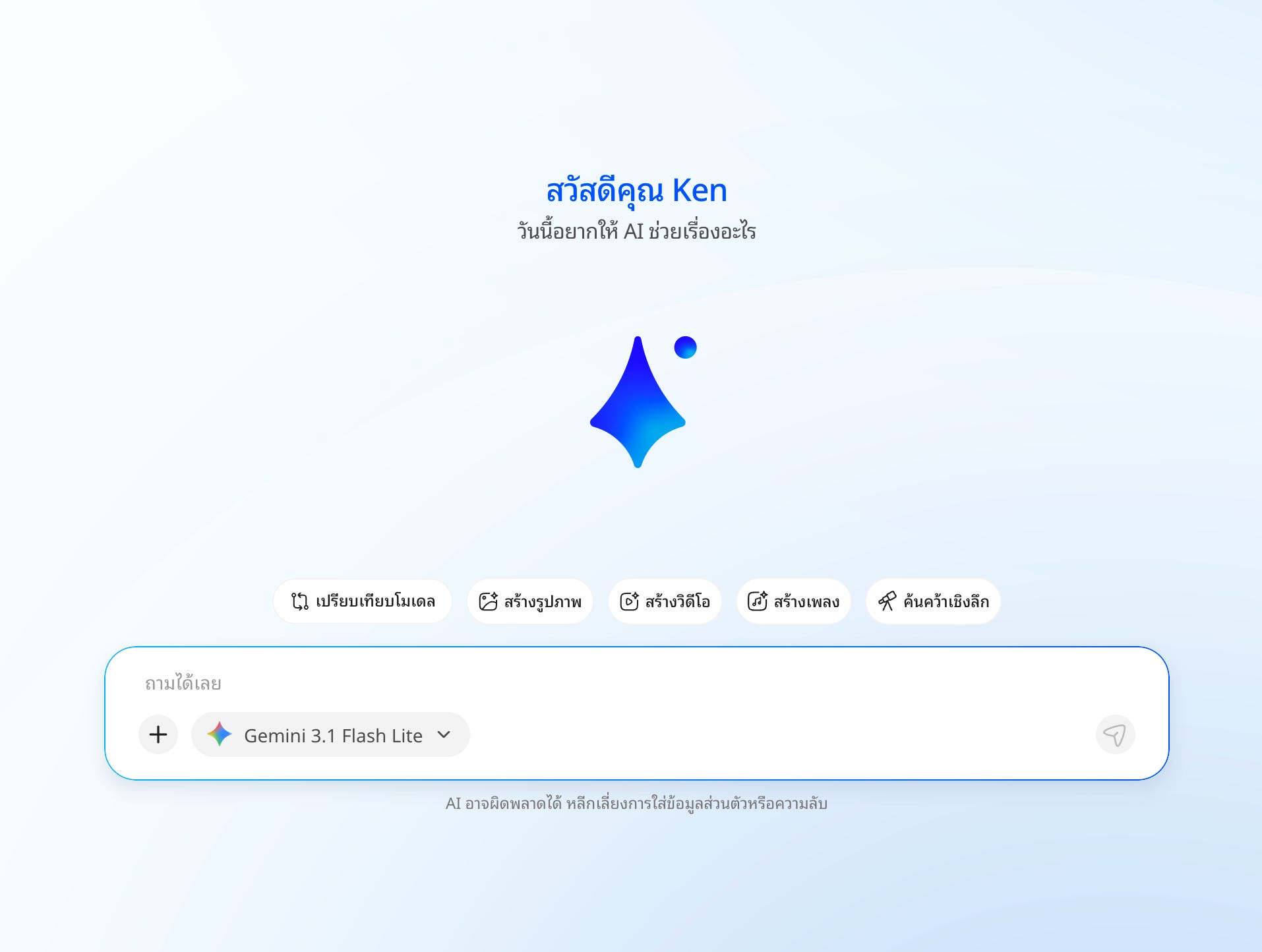
When you open the interface, the standard screen of an AI chatbot pops up. It defaults to Gemini 3.1 Flash Lite, which appears to be the only model with no usage limits imposed. (Gemini itself defaults to Gemini 3.6 Flash, so for the uninitiated who simply uses the interface without switching models, they would actually be using a worse version of Gemini than usual).
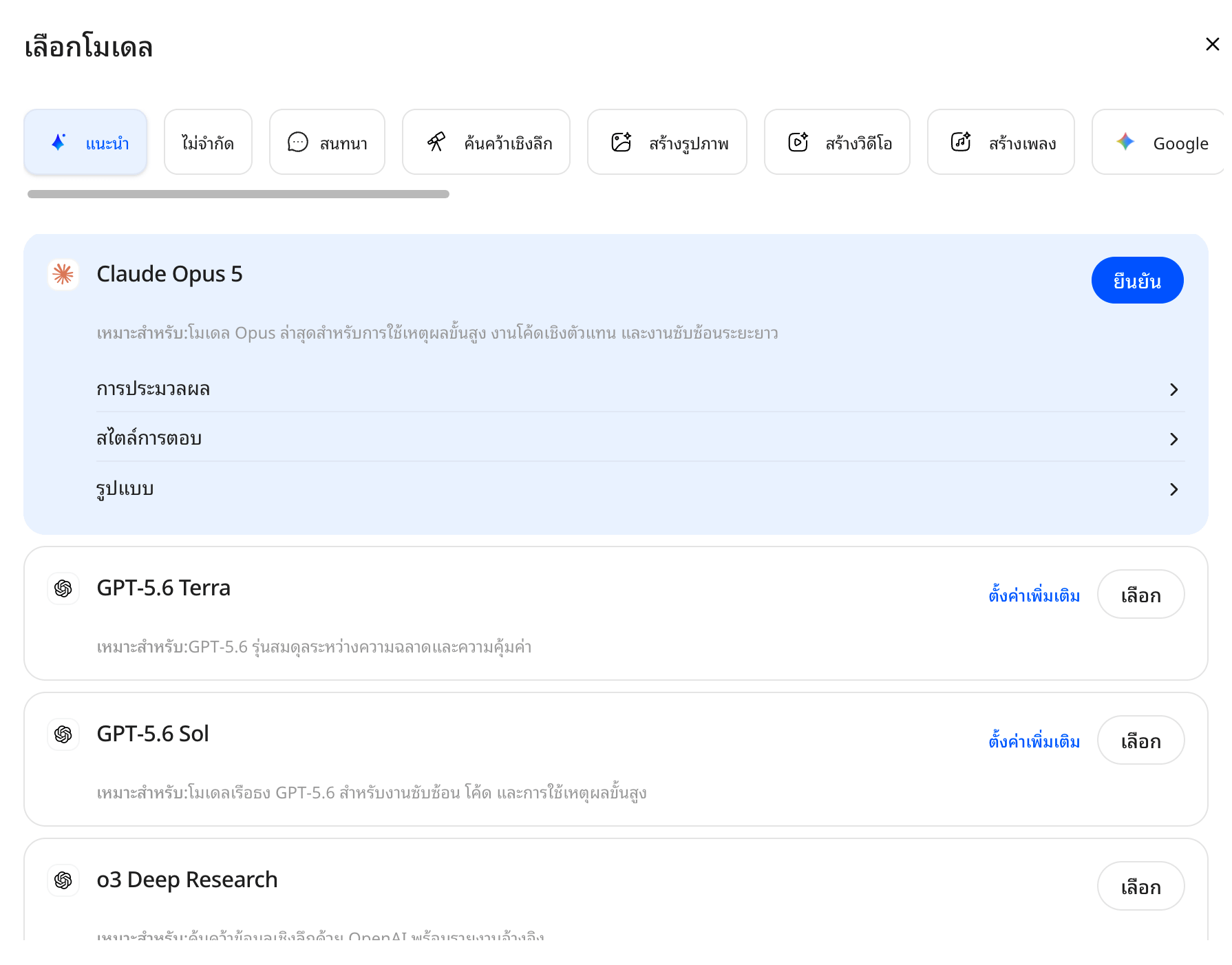
Pressing on the model gives you many, many other models to choose from. Some options that wouldn’t usually be available to free users include Gemini 3.1 Pro, Claude Opus 5, GPT 5.6 Sol, Sonar Reasoning Pro, and Nano Banana Pro. You also get access to Chinese models like Deepseek and Kimi, along with Thai language models like Pathumma.
Comparing models
One particularly neat feature that the AI Passport has is the ability to compare responses from different AI models. I asked both Gemini and Pathumma to tell me what policy Prime Minister Anutin Charnvirakul is prioritizing the most, for example, and you can see how differently the different AI models answer. (Worth noting here that Pathumma’s answer is more or less simply wrong; it says that Anutin has been prime minister since 2023 and then rattles policies he steered through as health minister from 2019 onwards, such as COVID management. Lots of work needed there for the native Thai model…).
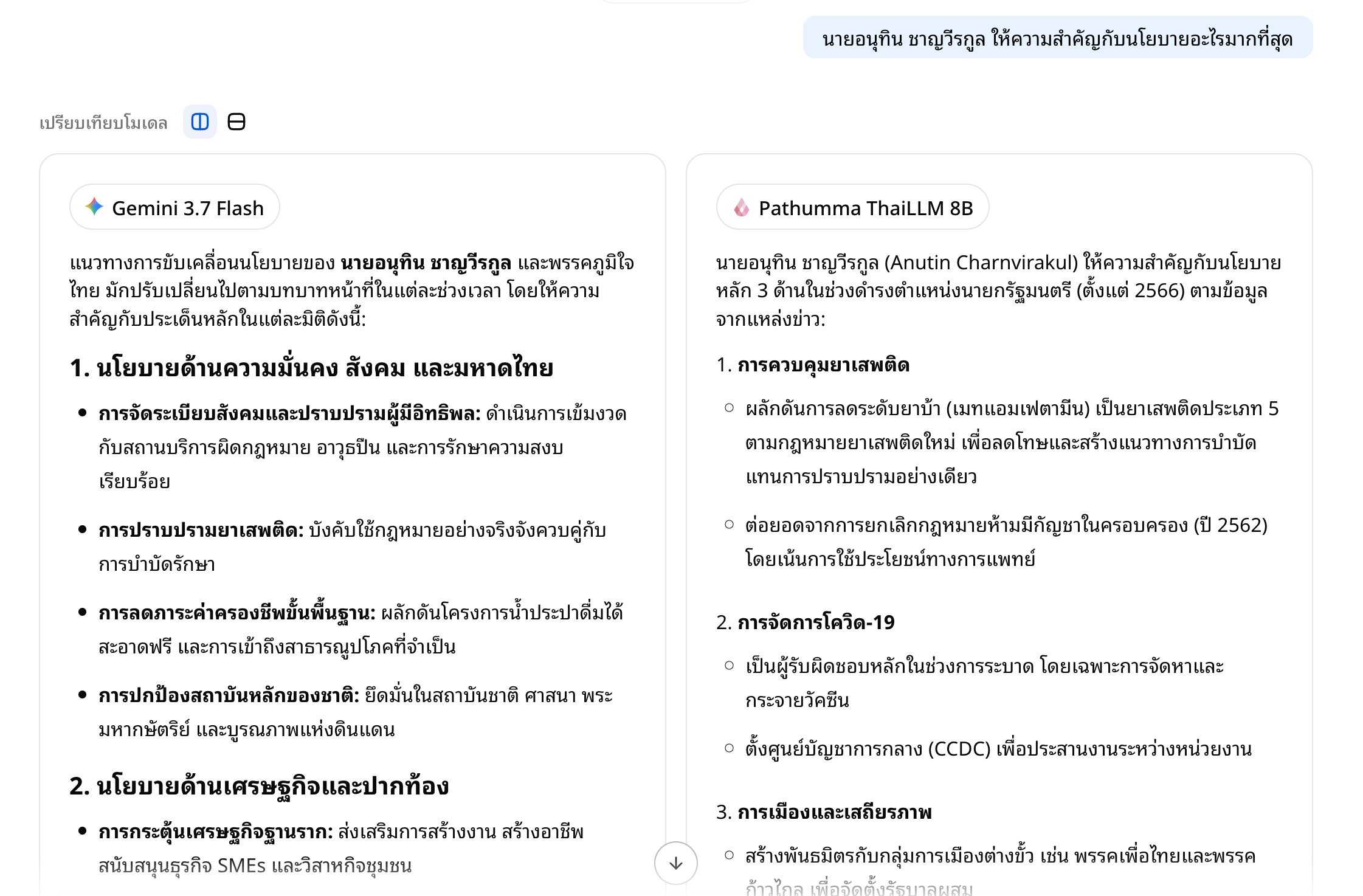
The ability to compare different models in a single system is perhaps an underrated feature, because it gives you greater ease in fact-checking models. But then again, it’s not that much more convenient compared to simply opening multiple chatbots on different tabs and manually comparing the results.
“Genius Assistants”
You have the option to manually customize a “genius assistant” with your own settings and goals. There is also a marketplace of genius assistants, where you can look at some of the assistants that others have made. At the time of writing, the most popular assistants were a travel planning assistant, exam tutoring assistant, Excel coaching assistant, and a Tarot card reading assistant. Yeah, that last one sounded fun. I started talking to it and it told me to calmly pick three numbers between 1 to 78, and then it gave me some insight about my fortune. Definitely a good use-case for AI.
Learning about AI
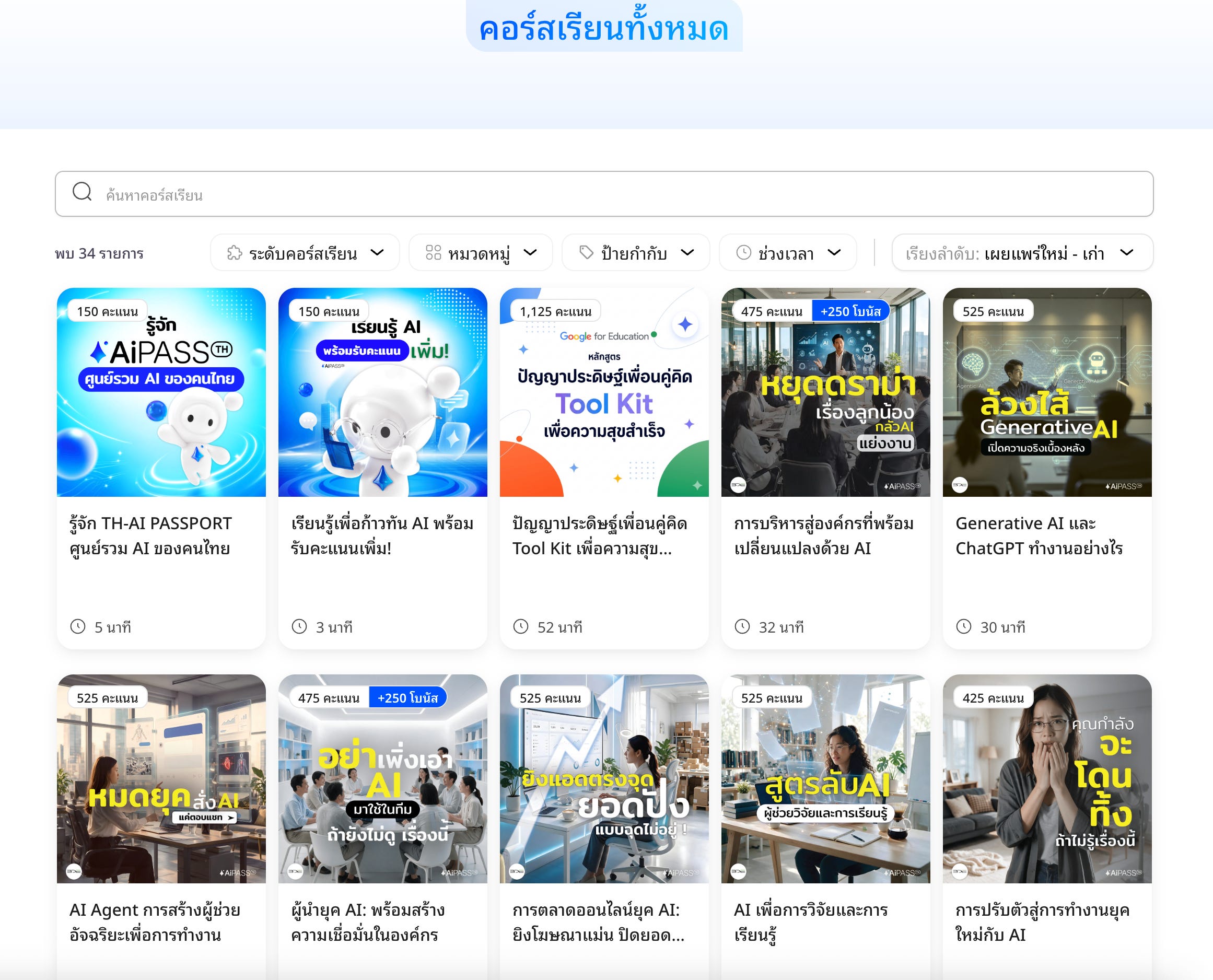
One of the AI Passport’s stated goals is to increase Thais’ AI literacy. There are a number of AI courses that are available on the website, and indeed if you want to increase your number of credits, you can earn more by taking these courses. I tried signing up for an “Increasing Your Work Productivity with AI” course and a pre-test gave me a score of 9/10, so I guess I know how to be productive with AI! Unfortunately I didn’t dive too deep into the courses, because you are not allowed to skip through the videos.
Using the AI Passport for some basic tasks
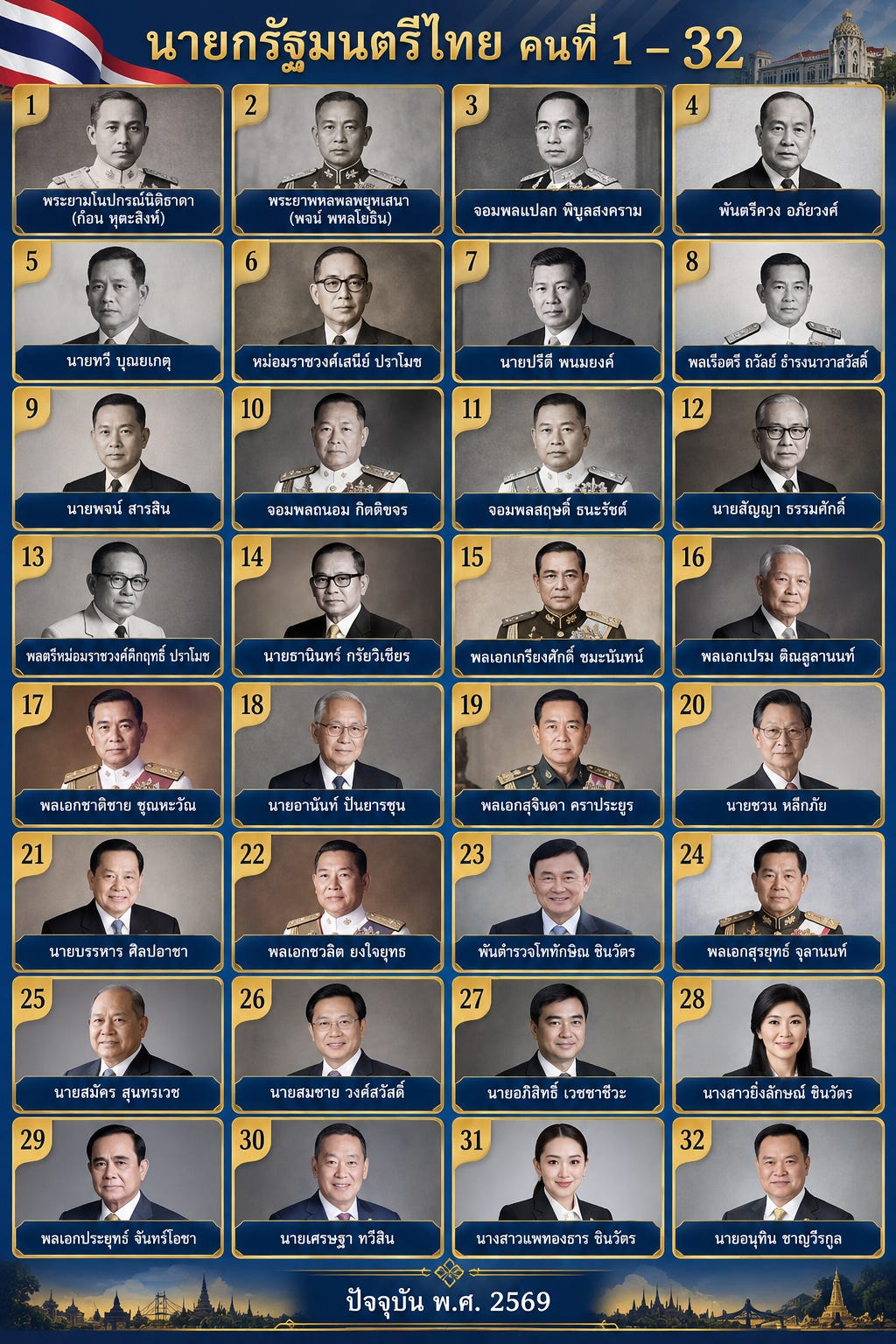
There are some horror stories on social media about how the models in the AI Passport appears to have degraded performance compared to what would usually be available. After some light testing I’m not quite sure that this is true. As an example, I asked Nano Banana Pro to generate a graphic with a list of all Thai prime ministers. I also tried this in regular Gemini (I’m not a pro subscriber, however, so it’s not exactly an apples to apples comparison). The AI Passport version is not great — the Thai script is often butchered, and if you know who what these prime ministers looked like you will know that with some exceptions (like Thaksin and the six most recent prime ministers) these were simply not what the prime minister looked like. But the regular Gemini version is downright awful.
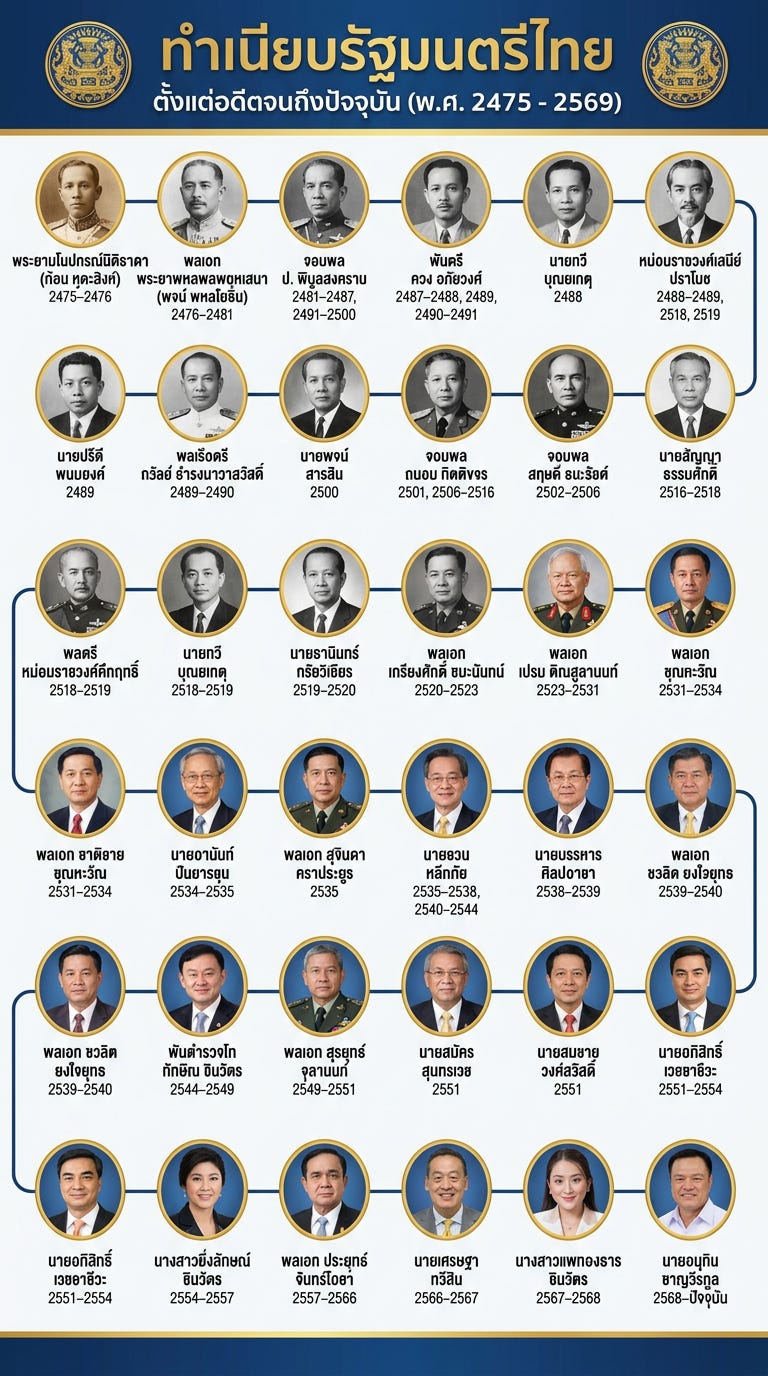
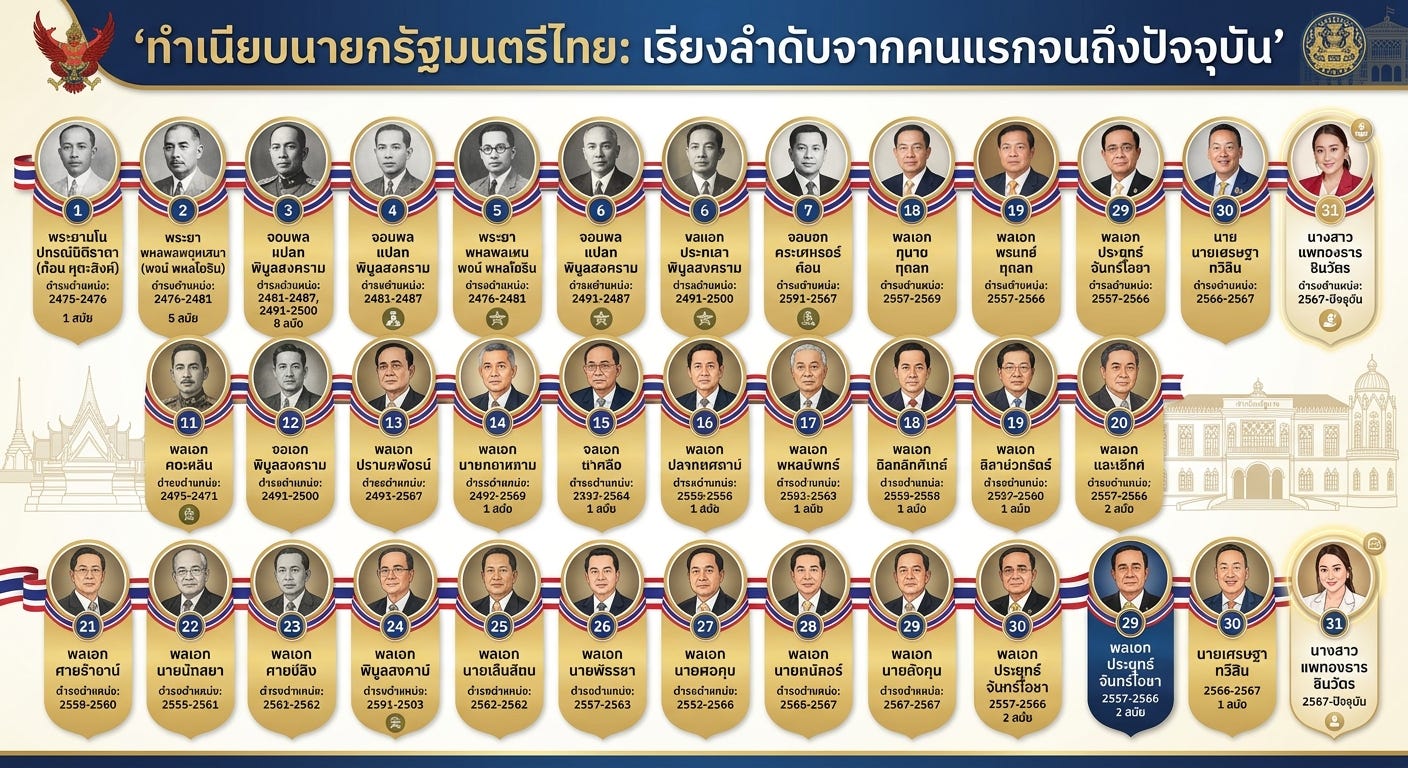
Free ChatGPT didn’t do a great job of the images, but at least it got the order and all the text right. Meanwhile, GPT-Image-2 in the AI Passport simply refused my request when I tried with the same prompt, twice in a row. So for this specific use case, the “pro” capabilities offered could not match the free features already available from another chatbot.
You can use the AI Passport to generate videos using Seedance’s various models, but you’re limited to 4 and 6 second videos at a quality of 480p. So, I’m not sure what the use case for this really would be, unless you simply want to generate something like a very short introductory clip for a slideshow. (There is also an option to use Veo 3.1 Fast, which doesn’t appear to have time limits, but when I asked for a ten second video, it still made me a four second video). I asked Seedance 2.0 Fast for a video of the evolution of Bangkok over the past two hundred years. I guess that it accomplished this task adequately, but it is such a short video that there isn’t much use one can get from it. (On the bright side, you do have access to Lyria 3 Pro, which can generate songs of up to three minutes).
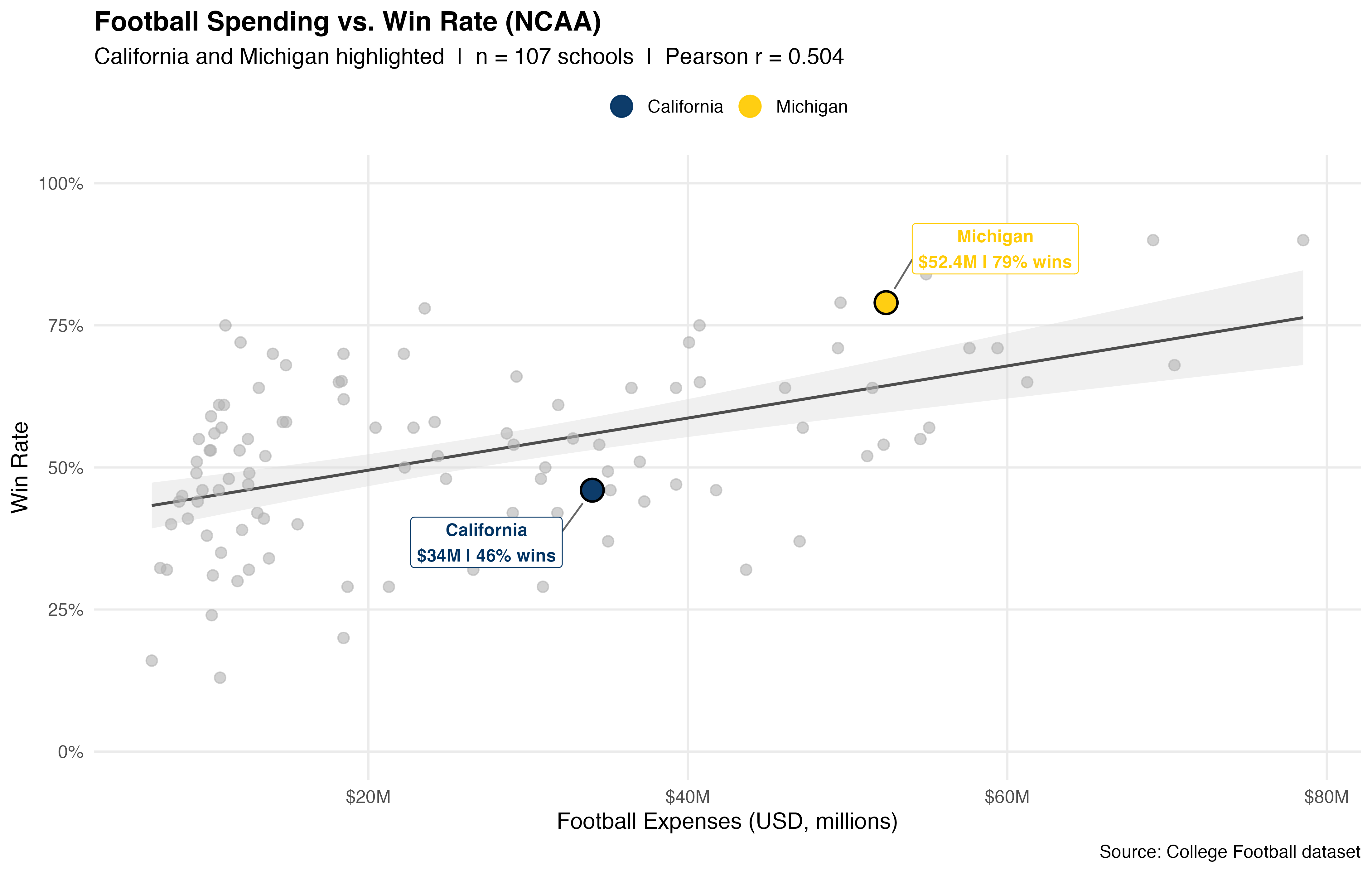
I haven’t asked the AI Passport for any complicated coding tasks yet, but I did try something basic. I gave Claude Opus 5 a dataset on college football programs in America and asked it to generate a chart comparing football spending vs. win rates, highlighting my two teams, California and Michigan. It is the sort of task that Opus 5 should be way overpowered for, and it accomplished the task with ease. So that’s a positive! (Of course, this is not a good test of the AI Passport’s capabilities, simply that it isn’t completely unusable).
Snap verdict
After spending a brief amount of time with the AI Passport, here are some instant reactions.
The biggest question I have is: who, exactly, is the AI Passport is aimed at? There are limits, quite easily reached, to how much I can use some of the more advanced features; it appears the only non-limited model is Gemini Flash Lite. But people who truly need the “pro” features of AI are probably happy to pay AI providers for far higher limits than what the AI Passport can offer, and they will not want to spend time completing AI literacy courses in order to earn more credits. On the other hand, people who are truly new to AI probably don’t need the pro features. Anyone who simply wants to test out what AI can do will probably be satisfied with all the features that ChatGPT, Claude, or Gemini can already offer on their free tiers.
The lack of agentic AI imposes a hard ceiling on its capabilities. The TH-AI Passport is strictly limited to generative AI, which is fine — DES never promised anything more than that, and there were probably too many risks with newer users trying to grapple with agentic AI anyway. But again, access to agentic AI is probably part of why many people want to pay for professional tools, and so without a tool like Claude Code, it is hard to say that we are truly getting at AI’s most powerful capabilities.
That said, some of the harsher criticisms about how the AI capabilities in the AI passport are significantly worse than what is available on the free tiers is, in my view, not quite true in all respects. However, if these tools are not clearly better than what is on offer for free by the tech companies by a significant margin, it is probably reasonable to ask whether or not this was a worthy investment. I do not know for sure what the limits of the capabilities are, given that I haven’t tried to ask for any particularly complicated tasks (although clearly the list of PMs was already a struggle!) But I expect that the opposition will continue to raise questions like this in the coming weeks and months, including at the no-confidence debate now expected towards the end of the year.